The 2026 Video Accessibility Guide: Navigating EAA, WCAG 3.0, and Silent Consumption
Accessibility isn't just a 'nice to have' anymore—it's a legal and strategic requirement. Here is how to handle the European Accessibility Act and WCAG 3.0 while keeping your audience engaged through captions.
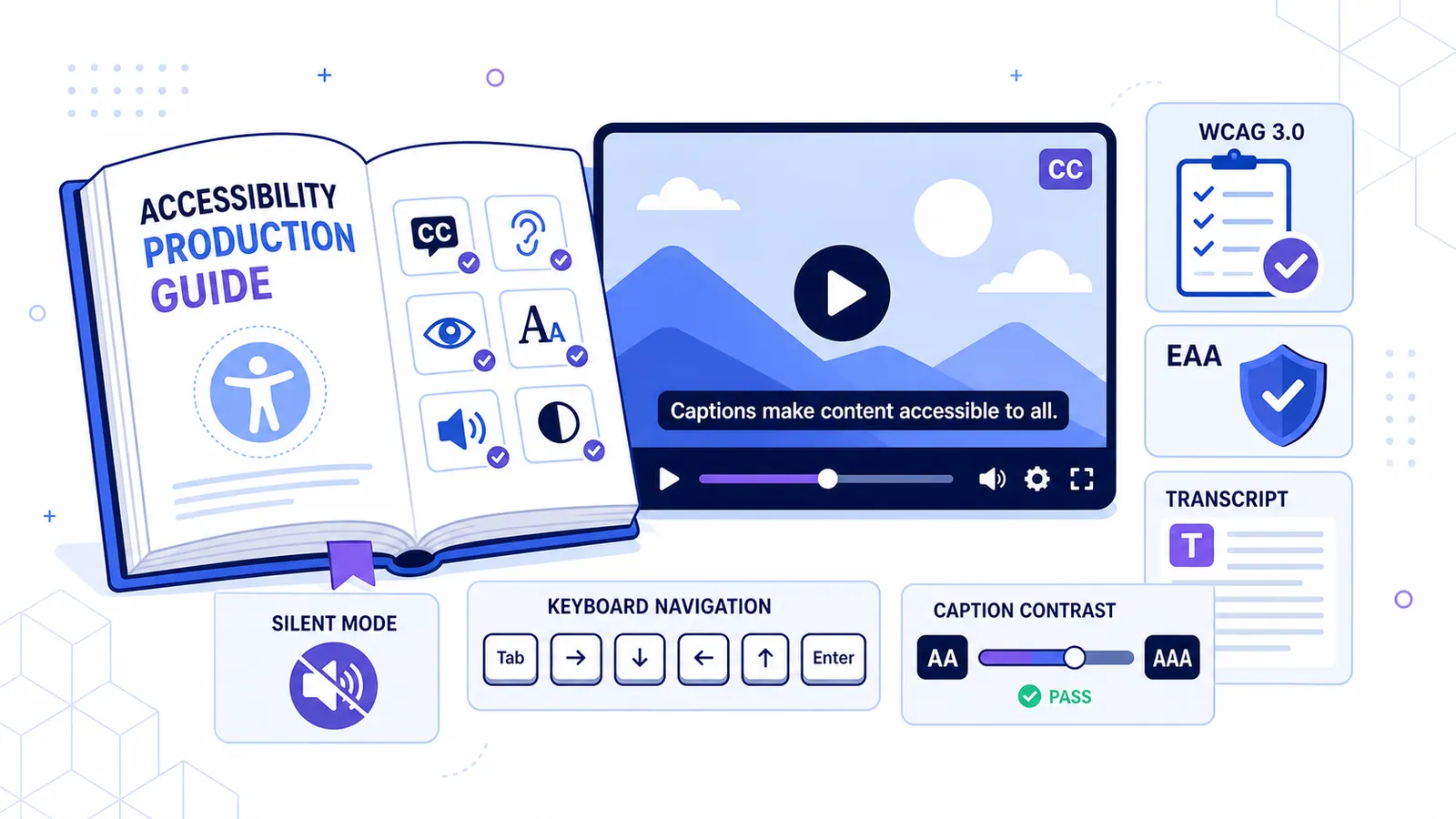
We’ve reached a point where accessibility is no longer a side project for the "social responsibility" team. If your videos aren't captioned in 2026, you're not just ignoring a billion people, you might actually be breaking the law.
Between the enforcement of the European Accessibility Act (EAA) and the shift to WCAG 3.0, the goalposts have moved. At the same time, most people are watching videos on mute by default. This guide covers how to stay compliant without losing your mind or your audience.
The Legal Side: EAA and the End of "Opt-In" Accessibility
The regulatory shifts we saw coming in 2025 are now fully in effect. The European Accessibility Act (EAA) changed the game, and its reach is wider than you might think.
Why the EAA matters (even if you aren't in Europe)
The EAA applies to any digital product or service sold or distributed in the EU. If you're a US brand running ads that hit users in Paris or Berlin, you need to comply.
For video, this means:
- Synchronized captions: They have to match the audio timing exactly.
- Accuracy: "Good enough" auto-captions that miss every third word won't pass.
- Contrast: Your text needs to be readable for people with low vision.
Fines and "Shadow-Banning"
Regulatory bodies are now using crawlers to spot non-compliant content. While big companies face massive fines, smaller businesses face a different threat: platform de-indexing. Google and Meta are increasingly hiding content that doesn't meet accessibility standards to protect themselves from liability.
WCAG 3.0: The New Technical Standard
We’ve moved past WCAG 2.1. The 3.0 standards, often called "Silver," focus more on outcomes than rigid checklists.
The APCA Revolution
One of the biggest technical changes is the move to the Advanced Perceptual Contrast Algorithm (APCA). It's a better way to measure how people actually see text against a video background compared to the old contrast ratios.
CapzAi handles this by flagging styles that don't meet these new contrast standards. When you're picking colors, the tool will let you know if your captions are actually readable.
Searchable Transcripts
WCAG 3.0 makes full text transcripts a high priority. Exporting SRT and VTT files isn't just about SEO anymore; it's a basic requirement for being "understandable" under the new rules.
The "Silent Consumption" Reality
Legal issues aside, there’s the simple fact that most people don't use sound. In 2026, "mute" is the default setting for mobile users.
The stats are hard to ignore:
- 85% of social videos are watched without sound.
- 80% of people are more likely to finish a video if it has captions.
- Over a third of viewers only turn the sound on after a caption catches their eye.
Most people watch videos in "quiet" places (on the bus, in the office, or next to someone sleeping). If your video needs audio to make sense, you're invisible to 85% of your potential reach. Captions are the primary script now, not an afterthought.
Inclusivity as a "Trust Moat"
In a world full of AI spam, being inclusive is a signal of quality. When you put in the effort to make sure your content works for everyone, using clear fonts, accurate translations, and proper timing, it shows you care about the details.
Accessible content is also clearer content. It forces you to be punchier and easier to follow, which helps everyone, not just those who need the assistance.
Scalable Compliance with CapzAi
The real problem for most teams is volume. How do you keep 100 videos a month compliant without a massive editing team?
Getting to 99% Accuracy
Basic auto-captions from platforms like TikTok usually hit 85-90% accuracy. That 10% error rate is a legal liability and looks unprofessional. We use a tuned version of Whisper to hit the 99% mark required for high-stakes corporate work.
The Workflow
- Upload: Drop your video into CapzAi.
- Style: Use a template that's already WCAG-certified.
- Check: Quickly fix any brand names or technical terms.
- Export: Get the video with captions burned in and the SRT file for the platform.
Your 2026 Accessibility Checklist
Before you post, check these five things:
- Readability: Is the contrast high enough?
- Accuracy: Are the technical terms right?
- Timing: Do the captions match the speech?
- Transcript: Did you upload the SRT/VTT file?
- Localization: If it's for a specific region, is it in the right language or dialect?
Conclusion
By 2026, "high quality" doesn't just mean 4K. It means your content is accessible and understandable to everyone, regardless of where they are or how they're watching.
Accessibility isn't a burden; it's a competitive advantage. It opens your brand up to a global audience that your competitors might be ignoring.
Stop worrying about compliance. Use CapzAi to make your videos accessible and viral.
FAQ
Do I need captions if there's no talking? If there's text on screen or important sounds, you should still provide descriptions to be fully compliant.
Can I get sued for bad captions? Yes. While individuals are rarely targeted, businesses are increasingly held to these standards under the EAA and similar laws.
How do I handle multiple languages? Most platforms let you upload multiple SRT files. CapzAi can generate these localized versions for you in a few seconds.
Quick answer
For accessible video production, the practical answer is this: caption speech and meaningful sound, describe important visuals, and keep the player controls usable without a mouse. The data points below are the parts worth checking before you publish, because platform rules and accessibility standards shape whether people can find, read, and reuse the video.
Data points worth using
- W3C WCAG 2.2: prerecorded synchronized media needs captions at Level A.
- W3C WCAG 2.2: prerecorded video needs audio description at Level AA when visual information matters.
- ADA.gov: state and local government web content and apps must meet WCAG 2.1 Level AA by April 26, 2027 or April 26, 2028, depending on population.
FAQ
How should I use accessible video production in 2026?
Use a workflow that starts before export: caption speech and meaningful sound, describe important visuals, and keep the player controls usable without a mouse. Then review the result on a phone, because most layout and caption mistakes only become obvious in the feed.
Why does this help SEO and GEO?
Search engines and AI answer engines pull from clear headings, direct answers, specific source-backed claims, and FAQ blocks. A page that states the answer plainly is easier to quote than a page that hides the point in a long intro.
What should I measure after publishing?
Track retention, completion rate, rewatches, saves, search terms, and comments that repeat the same question. Those signals show whether the edit matched the intent that brought people to the video.
Related articles
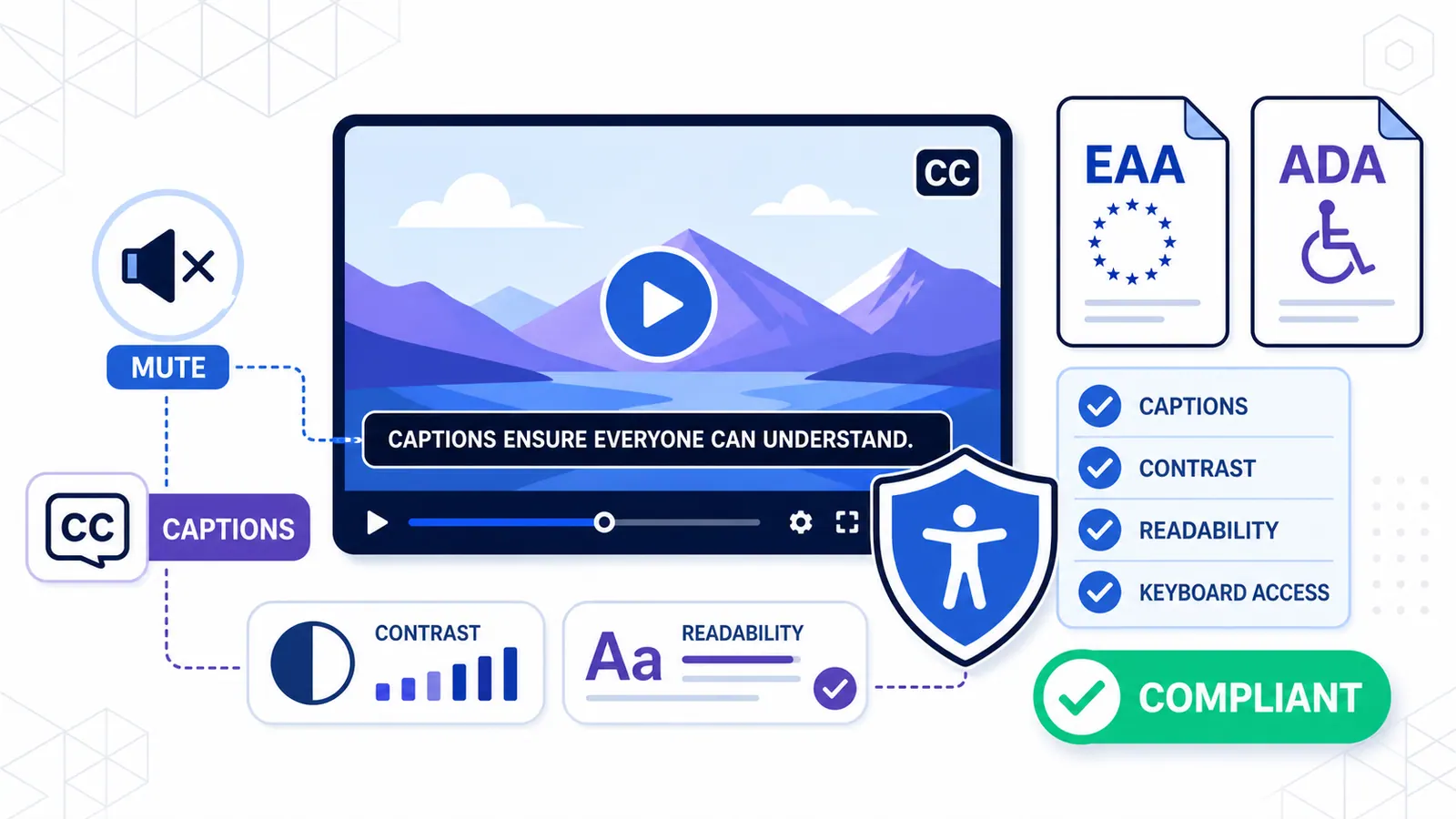
The 2026 Video Accessibility Guide: Why Captions are Legally & Strategically Mandatory
From the European Accessibility Act to the data on 'silent consumption,' here is why 2026 is the year uncaptioned video finally dies.
Read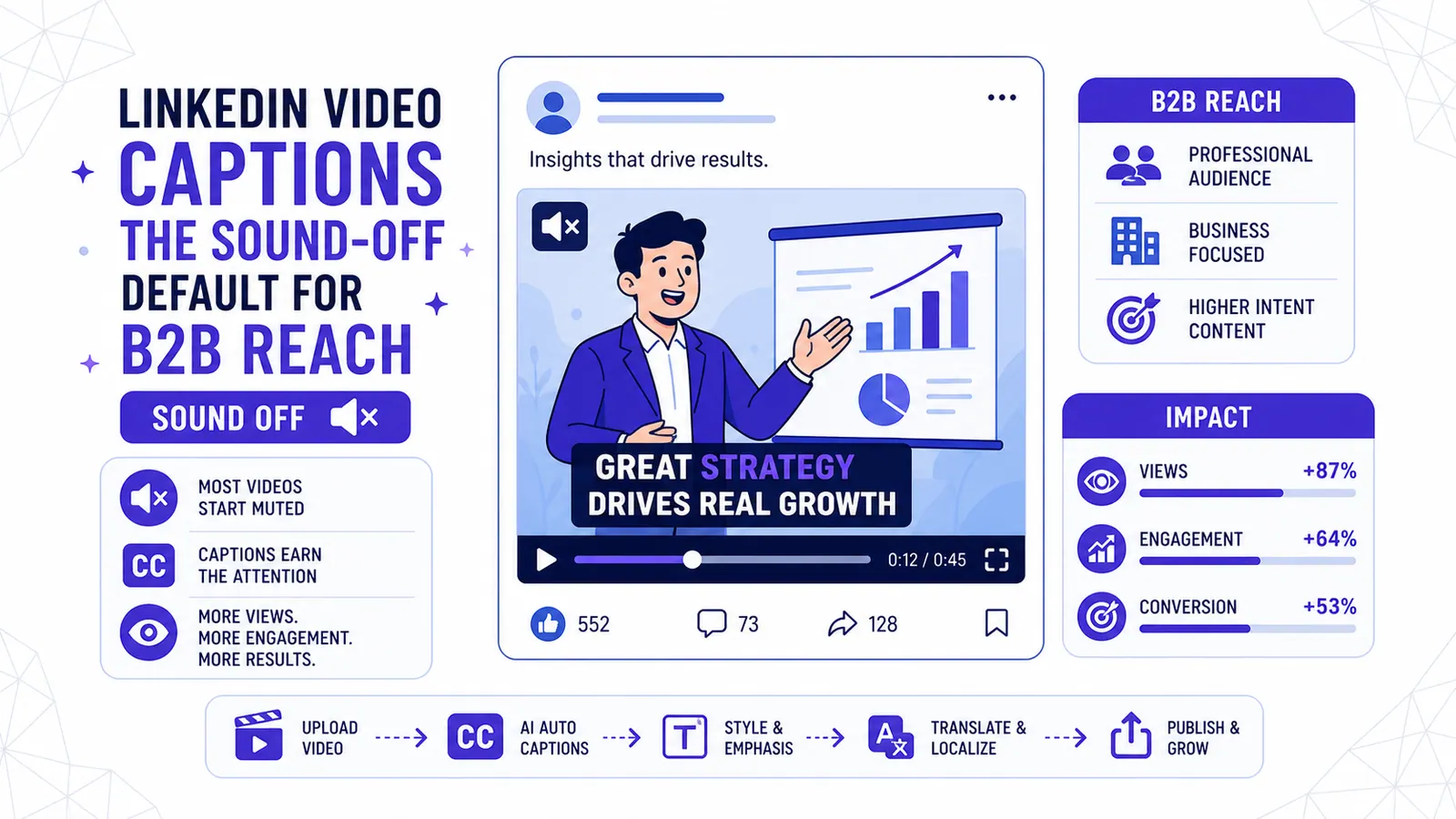
LinkedIn Video Captions The Sound-Off Default for B2B Reach
Over 85% of LinkedIn videos start muted, making captions the only way to earn attention in the B2B feed.
Read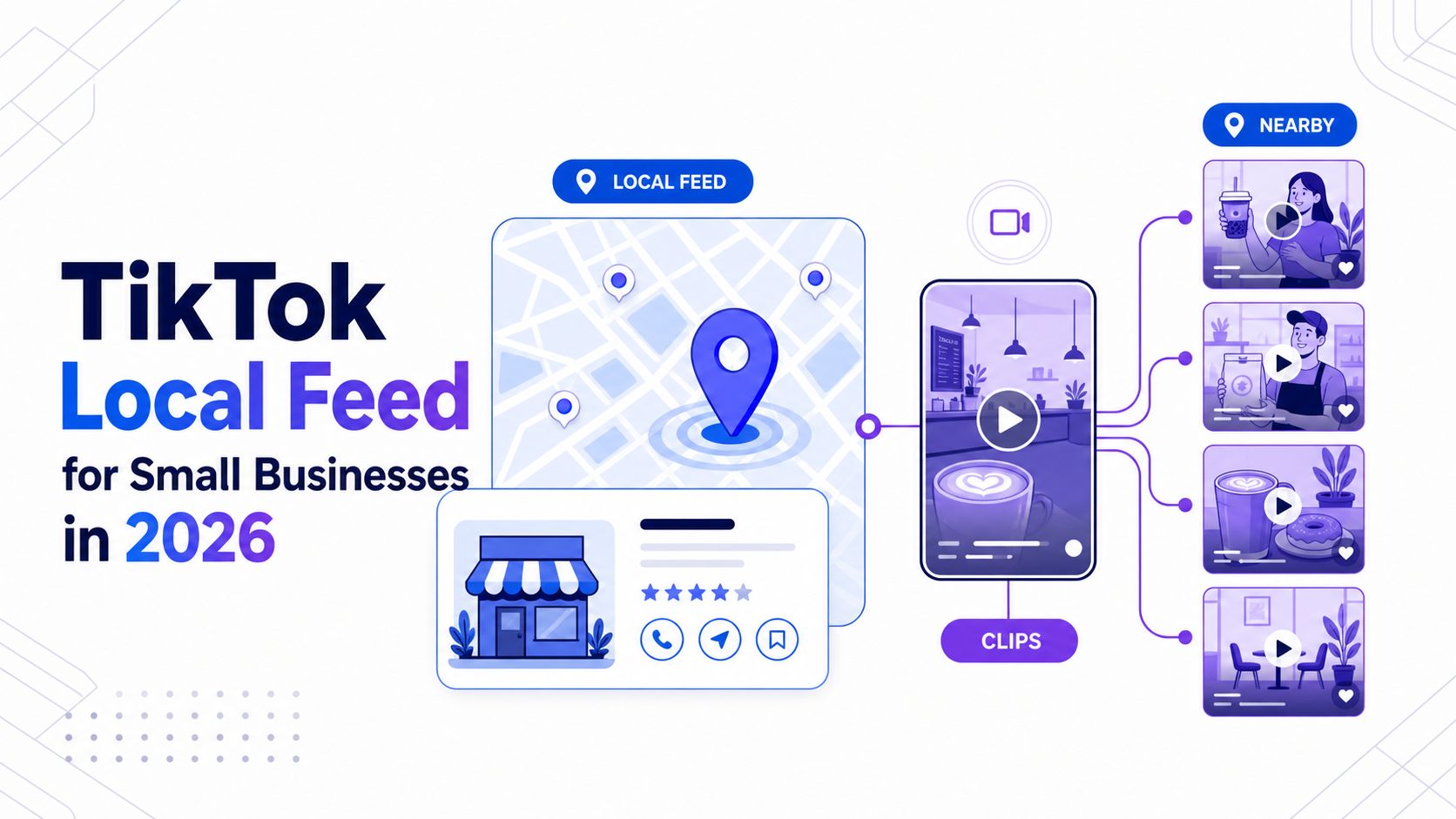
TikTok Local Feed for Small Businesses: What to Change in Your Video Workflow in 2026
TikTok's Local Feed changes how nearby customers discover creators and businesses. Here is the short-form workflow local teams should use now.
Read