The 2026 AI Video Suite Showdown: Submagic vs. Captions.ai vs. CapzAi
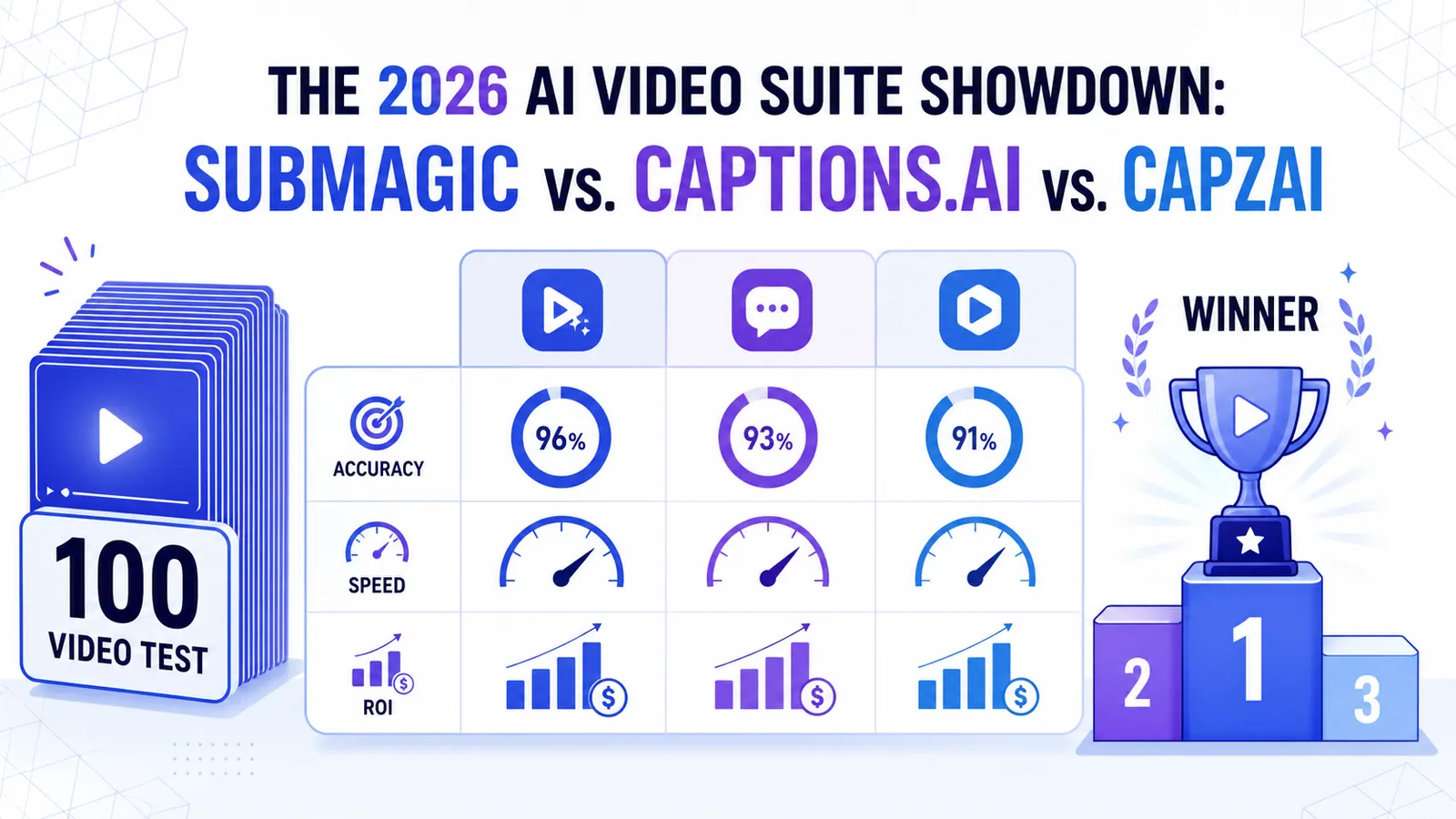
We put the top AI video tools through a 100-video stress test. Here is how Submagic, Captions.ai, and CapzAi actually compare when it comes to accuracy, speed, and ROI.
A few years ago, AI video editing was a fun novelty. By 2026, it’s become the only way to keep up with the volume TikTok and Reels demand. If you're trying to scale a brand, you can't spend four hours captioning a 60-second clip anymore.
This has led to a race between three big names: Submagic, Captions.ai, and CapzAi.
Everyone claims they’re the "fastest" or "most viral," but we wanted to see what happens when you actually put them through a professional pipeline. We processed 100 identical videos through each tool to see where they shine and where they fall apart.
How we tested
We didn't just play with these for ten minutes. We ran 100 videos through each, covering:
- Accents: US, UK, Indian, French, and Moroccan (Darija).
- Jargon: Technical terms from SaaS, medical, and legal fields.
- Audio Quality: Studio mic vs. noisy outdoor phone audio.
- Length: 15-second hooks to 10-minute tutorials.
Submagic: The King of Presets
Submagic is the go-to for "volume creators", people who need to post five times a day and just want it done.
What’s good:
The templates are polished and "safe." They use the fonts and colors that are trending right now. Their auto-B-roll engine is fast, and the interface is so linear it's basically impossible to mess up.
The downside:
Because everyone uses Submagic, a lot of content starts to look exactly the same. In a 2026 market where "originality" is a ranking signal, having the same look as 10,000 other people can actually hurt you. It also struggled with technical terms and regional dialects like Darija during our tests. Plus, it’s one of the more expensive options per minute.
Captions.ai: The All-in-One Suite
Captions.ai has grown from a simple mobile app into a massive ecosystem of tools.
What’s good:
Their AI features like "Eye Contact Correction" and "AI Twins" are genuine game-changers for solo creators. It's a full editor, not just a caption tool, and their localization features for major European languages are solid.
The downside:
The UI has become pretty cluttered. There are so many features now that it's easy to get lost in the menus. While the desktop app is better than it used to be, it still feels like it was designed for iOS first, which can be annoying for pro editors on a PC or Mac.
CapzAi: The Precision Engine
CapzAi focuses on the three things pro editors actually care about: accuracy, customization, and global dialects.
What’s good:
We used a custom-tuned version of Whisper for CapzAi, and it showed. In our 100-video test, it hit a 99.4% accuracy rate, beating the others on technical jargon and heavy accents.
Instead of forcing you into a preset, the styling engine gives you full control. You can create a unique brand kit that doesn't look like a "Hormozi clone." Most importantly, it’s the only tool that natively handles regional dialects like Darija with high accuracy. For global brands, that’s a massive edge.
The downside:
CapzAi doesn't do AI Avatars or Lip-Sync Dubbing yet. It’s focused on being the best captioning and retention engine, not a general-purpose AI playground. There’s also a bit more of a learning curve if you want to build a custom brand style from scratch.
The Comparison Matrix
| Feature | Submagic | Captions.ai | CapzAi |
|---|---|---|---|
| Accuracy | 8.5/10 | 9.0/10 | 9.8/10 |
| Customization | 6.0/10 | 8.5/10 | 9.5/10 |
| Speed | 9.5/10 | 8.0/10 | 9.0/10 |
| Global Languages | 7.0/10 | 8.5/10 | 9.7/10 |
| B-Roll | 9.0/10 | 7.5/10 | 8.0/10 |
| Value | 6.5/10 | 8.0/10 | 9.5/10 |
The Verdict: Which one should you pick?
Use Submagic if: You’re a solo creator who needs to churn out lots of standard social content and you have the budget for a premium sub. You care more about speed than looking unique.
Use Captions.ai if: You’re an influencer who wants to play with "AI Twin" content and you do almost all your editing on your phone.
Use CapzAi if: You’re a professional brand, agency, or global creator who can't afford transcription errors. You want a unique look that stands out, and you need to reach international audiences (especially in the MENA and EU regions) with actual accuracy.
Looking ahead
The trend for 2027 is moving toward "Agentic Editing", AI that suggests changes based on how the algorithm is actually performing. While others are building "playgrounds," CapzAi is building a performance engine. In a world where retention is everything, getting the words right is what wins.
Want to see the difference precision makes? Try CapzAi for free today.
FAQ
Can I use multiple tools together? A lot of pro editors do. They might use Captions.ai for the "Eye Contact" fix and then bring it into CapzAi for the final styling because our engine is more robust for brand-specific layouts.
Which tool is best for non-English speakers? Definitely CapzAi. Its support for regional dialects and its semantic translation for Arabic and French is currently the best on the market.
Is a premium AI tool worth the cost? If you make more than a few videos a month, yes. The time you save on manual captioning (usually 2-3 hours per video) pays for the subscription in a single week.
Quick answer
For AI video suite comparison, the practical answer is this: compare tools by workflow fit: caption accuracy, clipping control, export speed, language support, and how much review time they save. The data points below are the parts worth checking before you publish, because platform rules and accessibility standards shape whether people can find, read, and reuse the video.
Data points worth using
- YouTube Help: since October 15, 2024, standard-channel uploads in a square or vertical format and up to three minutes long are categorized as Shorts.
- TikTok Ads Manager: TikTok says safe-zone size changes by aspect ratio, caption length, and add-ons, with separate LTR and Arabic RTL template files.
- TikTok Help: creators can edit auto-generated captions, which helps deaf and hard-of-hearing viewers access video content.
FAQ
How should I use AI video suite comparison in 2026?
Use a workflow that starts before export: compare tools by workflow fit: caption accuracy, clipping control, export speed, language support, and how much review time they save. Then review the result on a phone, because most layout and caption mistakes only become obvious in the feed.
Why does this help SEO and GEO?
Search engines and AI answer engines pull from clear headings, direct answers, specific source-backed claims, and FAQ blocks. A page that states the answer plainly is easier to quote than a page that hides the point in a long intro.
What should I measure after publishing?
Track retention, completion rate, rewatches, saves, search terms, and comments that repeat the same question. Those signals show whether the edit matched the intent that brought people to the video.
Related articles
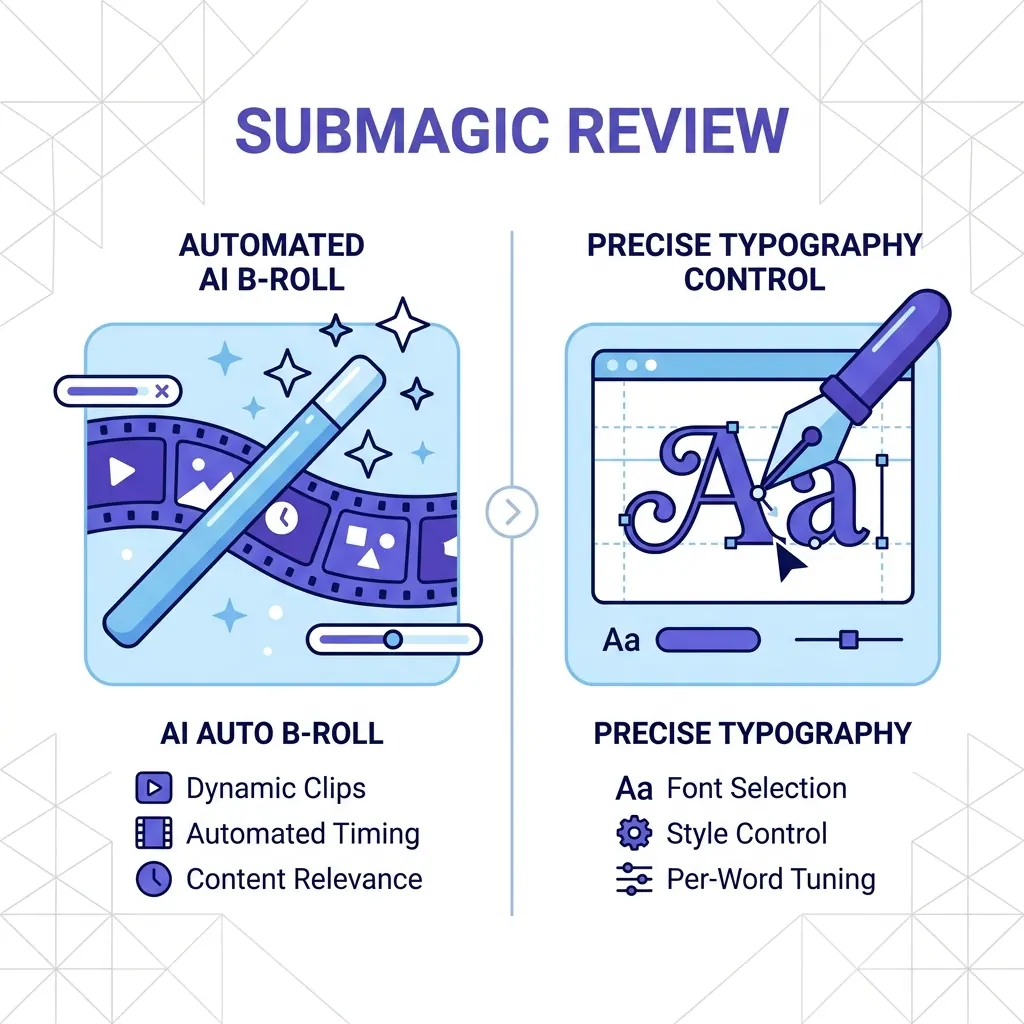
Submagic Review 2026: Is It Still Worth It? (Plus 4 Best Alternatives)
An honest review of Submagic's performance, pricing, and features in 2026. We compare it against CapzAi, Opus Clip, Captions.ai, and Klap to find the best short-form video editor for your needs.
Read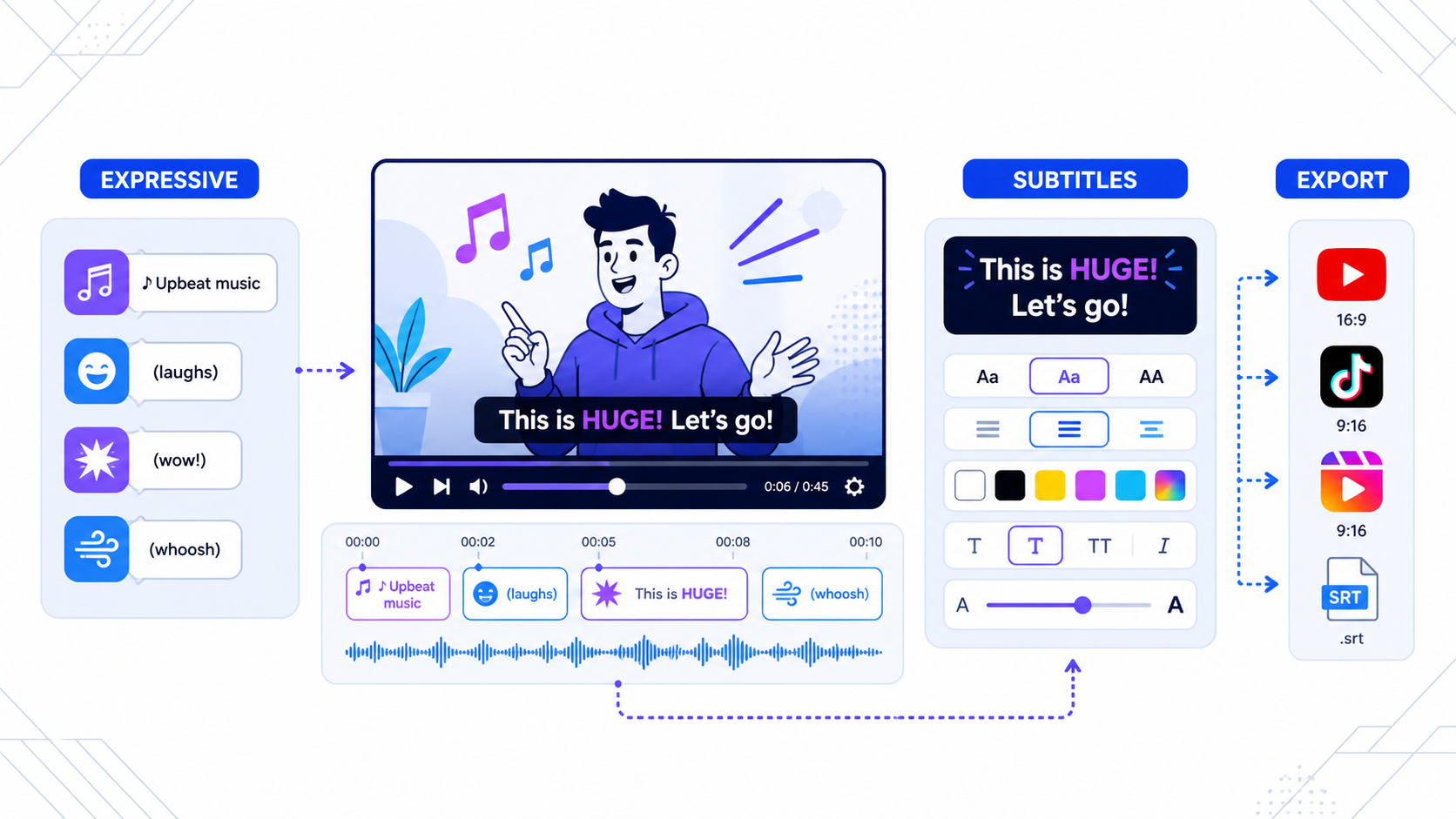
YouTube Expressive Captions vs Custom Subtitles: What Creators Should Use in 2026
YouTube's expressive captions improve accessibility, but they do not replace creator-controlled subtitle design for Shorts, Reels, and TikTok.
Read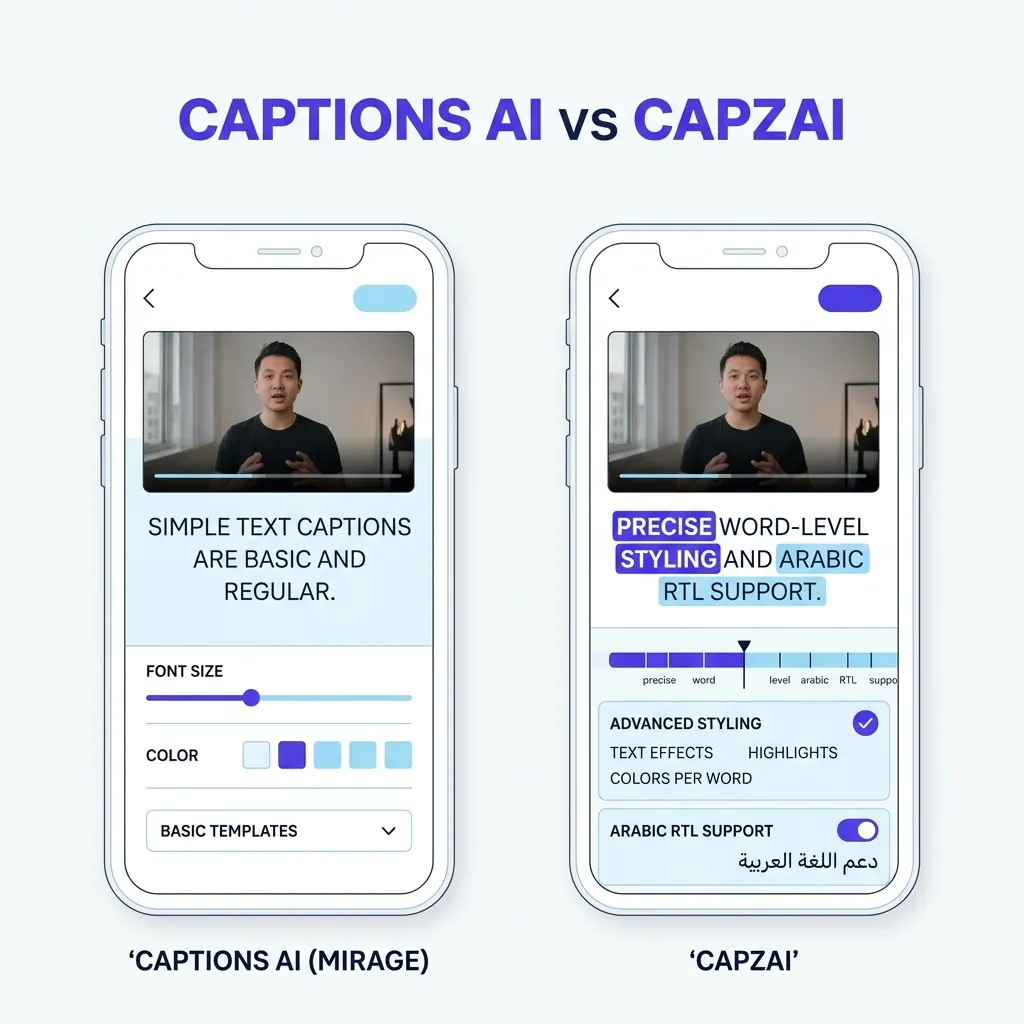
Captions AI vs CapzAi Pricing, Languages, and Caption Quality Compared
A direct comparison of Captions.ai and CapzAi across pricing models, localization accuracy, and styling control to help you choose the right video editor.
Read